SQL学习笔记
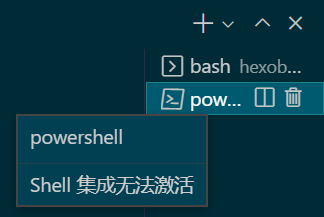
VSCode终端提示Shell集成无法激活的解决方法
MacOS 安装 PowerLine 字体并在 VSCode 和 iTerm zsh 终端里设置字体解决乱码问题
macOS 安装字体
以下载安装 PowerLine 字体为例,下载仓库为 https://github.com/powerline/fonts
1
2
3
4
5
6
7
8
9
git clone \
--depth 1 \
--filter=blob:none \
--no-checkout \
https://github.com/powerline/fonts \ # 仓库地址
;
cd fonts
git checkout master Meslo\ Dotted
git checkout master Meslo\ Slashed进入字体文件夹,可以手动打开字体ttf文件进行安装,亦可以批量安装
1
2
3
cd Meslo\ Dotted
ll *.ttf
cp *.ttf ~/Library/Fonts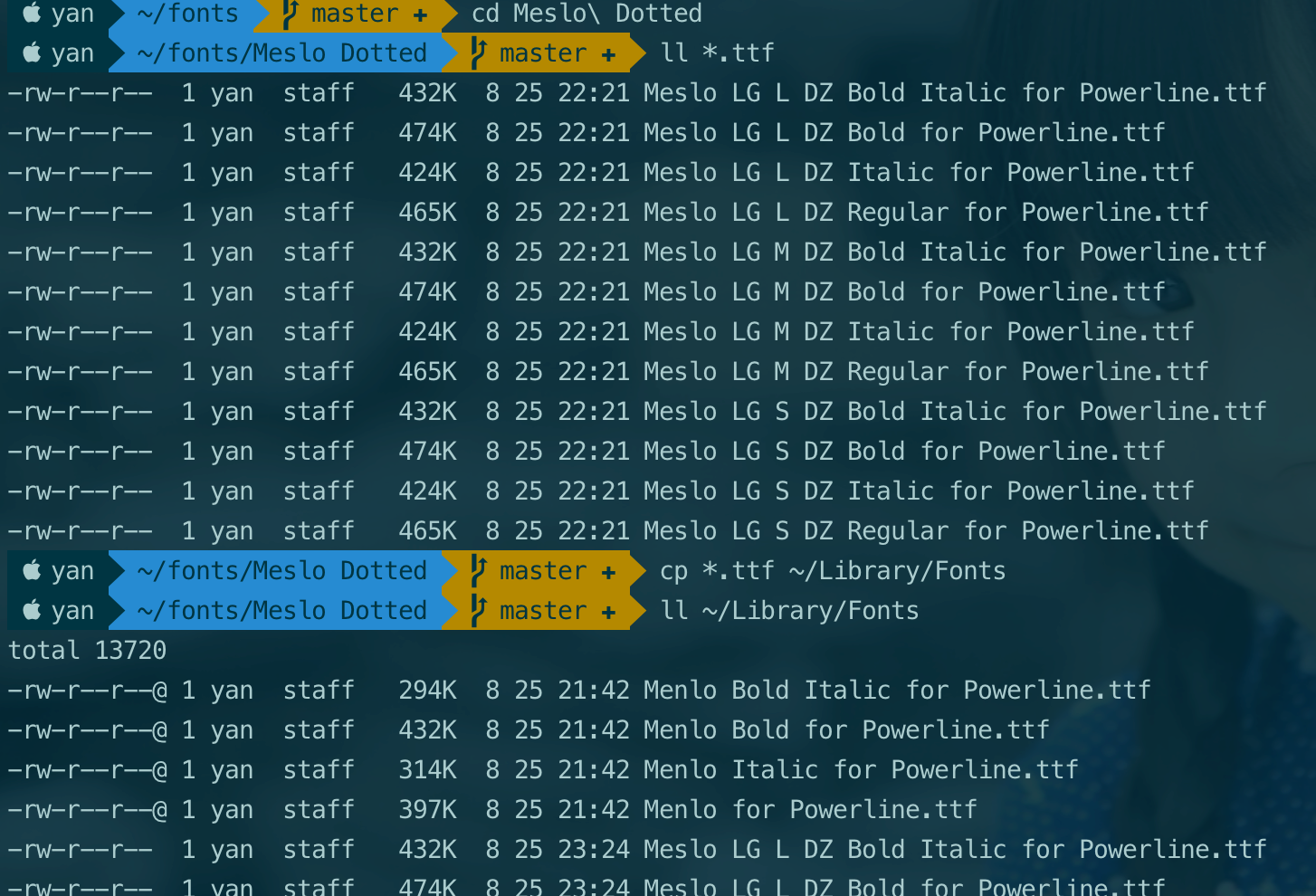
VSCode 设置里的终端字体修改
VSCode 用户设置部分,编辑 settings.json 文件
1 | "terminal.integrated.fontFamily": "Meslo LG L DZ for Powerline", // 需安装字体 |
ps:需要确保指定字体已安装,且字体名称正确。(注意: 字体文件名和字体名称可能不同)
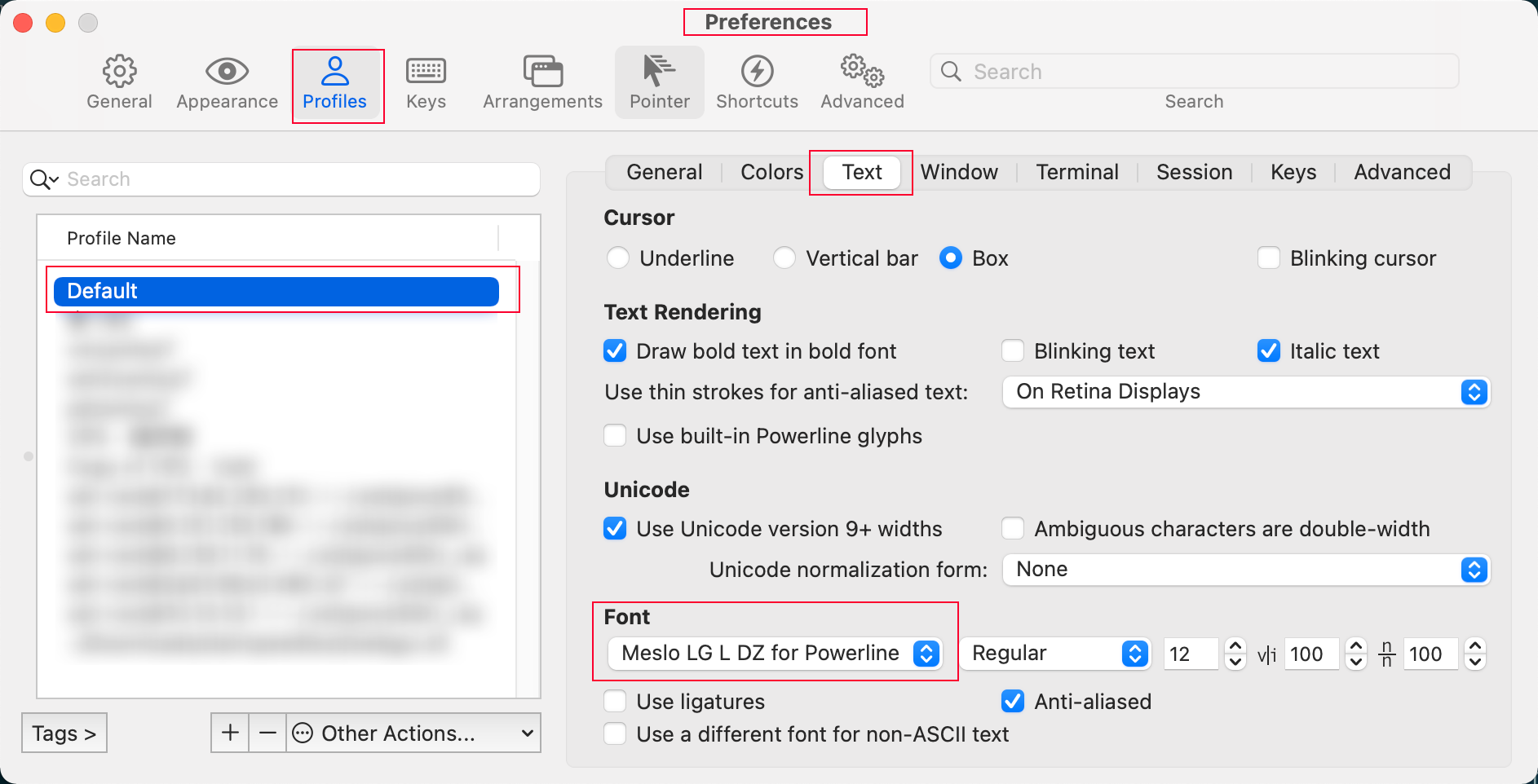
iTerm 终端字体
iTerm 终端的字体设置方法比较简单
Github 只克隆/下载/同步部分指定文件夹的方法
SQL中Max函数查询效率问题与优化
MySQL中使用order by … limit 1替换Max函数
测试环境:
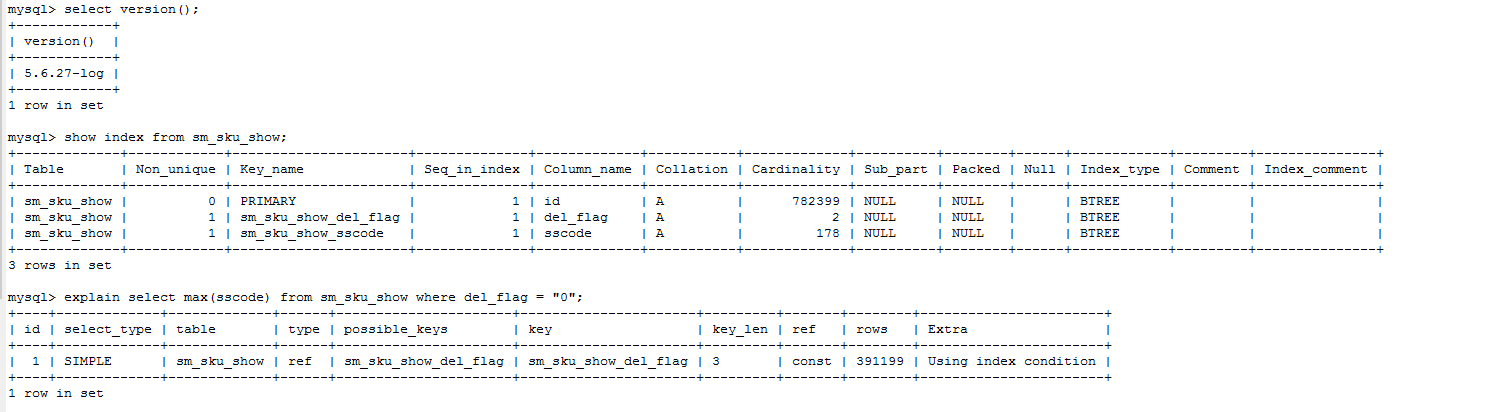
测试Sql:
1 | select max(sscode) from sm_sku_show where del_flag = "0"; |
测试耗时:
1 | [SQL] |
测试结果:
1 | +---------------------+ |
结论:
max() 函数的需扫描where条件过滤后的所有行。
请慎用max()函数,特别是频繁执行的sql,若需用到可转化为测试中的 order by id desc limit 1
VMware Workstation Pro v16.2.4 官方版+16激活密钥
mermaid测试
mermaid 流程图
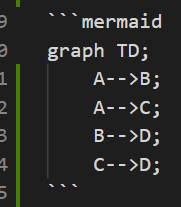
graph测试
垂直流程图 graph TD:
graph TD;
    好好摸鱼-->辞职;
    好好摸鱼-->跑路;
    跑路-->赚钱;
    辞职-->赚钱;
    跑路-->高薪;
    辞职-->高薪;
    赚钱-->人生巅峰;
    高薪-->人生巅峰;
    人生巅峰-->好好摸鱼;
水平流程图
graph LR;
    A-->B;
    A-->C;
    B-->D;
    C-->D;
graph TD;
    A-->B;
    A-->C;
    B-->D;
    C-->D;
flowchart 测试
gantt
    title A Gantt Diagram
    dateFormat  YYYY-MM-DD
    section Section
    A task           :a1, 2014-01-01, 30d
    Another task     :after a1  , 20d
    section Another
    Task in sec      :2014-01-12  , 12d
    another task      : 24d
graph TB
    id1(圆角矩形)--普通线-->id2[矩形]
    subgraph 子图表
        id2==粗线==>id3{菱形}
        id3-.虚线.->id4>右向旗帜]
        id3--无箭头---id5((圆形))
    end
    style id1 fill:#f9f,stroke:#333,stroke-width:4px
sequenceDiagram
    participant z as 张
    participant l as 刘
    loop 中秋三天假
        z->>l: 吃了吗您呐?
        l-->>z: 没吃,您呢?
        activate z
        Note left of z: 想了一下
        alt 还没吃
            z-xl: 还没呢,正准备回去吃
        else 已经吃了
            z-xl: 我也吃过了,哈哈
        end
        opt 大过节的
            l-->z: 祝您中秋快乐啊
        end
    end
sequenceDiagram
    Alice->>+John: Hello John, how are you?
    Alice->>+John: John, can you hear me?
    John-->>-Alice: Hi Alice, I can hear you!
    John-->>-Alice: I feel great!
sequenceDiagram测试
sequenceDiagram;
Alice->>John: Hello John, how are you?
loop Healthcheck
    John->>John: Fight against hypochondria
end
Note right of John: Rational thoughts!
John-->>Alice: Great!
John->>Bob: How about you?
Bob-->>John: Jolly good!
Hexo 使用教程

Vue.js学习笔记
nvm
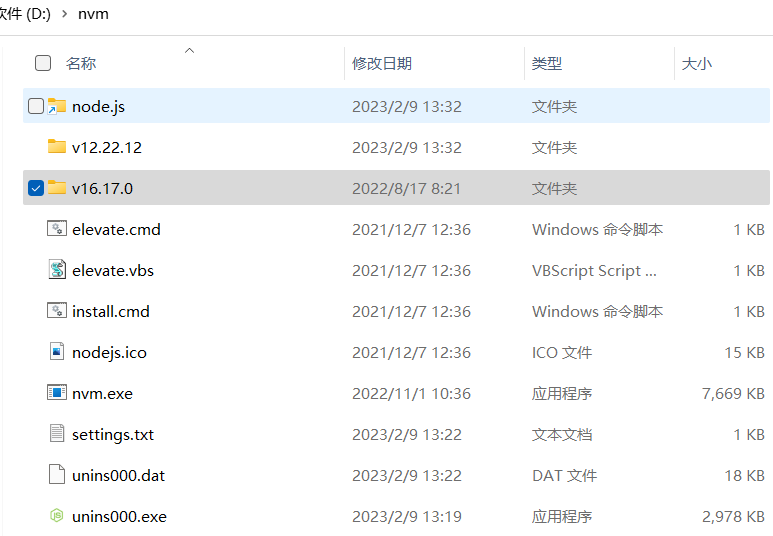
windows环境安装nvm
安装路径不能包含空格。
- NVM安装路径设置为
D:\nvm - Node.js Symlink路径设置为
D:\nvm\node.js
安装nvm前不必卸载之前已安装的node.js环境,安装nvm时会提示“是否允许nvm控制已安装的node.js版本?”,点同意即可。nvm会自动把已安装的Node.js文件夹移动到设置好的Node.js Symlink路径,即 **D:\nvm\node.js**。
使用nvm解决nodejs版本不兼容造成的hexo警告信息
根据Hexo官网介绍,不同版本的Hexo依赖不同版本的Node.js
If you are stuck with older Node.js, you can consider installing a past version of Hexo.
Please note we do not provide bugfixes to past versions of Hexo.
We highly recommend to always install the latest version of Hexo and the recommended version of Node.js, whenever possible.
| Hexo version | Minimum (Node.js version) | Less than (Node.js version) |
|---|---|---|
| 6.2+ | 12.13.0 | latest |
| 6.0+ | 12.13.0 | 18.5.0 |
| 5.0+ | 10.13.0 | 12.0.0 |
| 4.1 - 4.2 | 8.10 | 10.0.0 |
| 4.0 | 8.6 | 8.10.0 |
| 3.3 - 3.9 | 6.9 | 8.0.0 |
| 3.2 - 3.3 | 0.12 | unknown |
| 3.0 - 3.1 | 0.10 or iojs | unknown |
| 0.0.1 - 2.8 | 0.10 | unknown |
hexo在较高版本的node.js环境下运行时的警告:
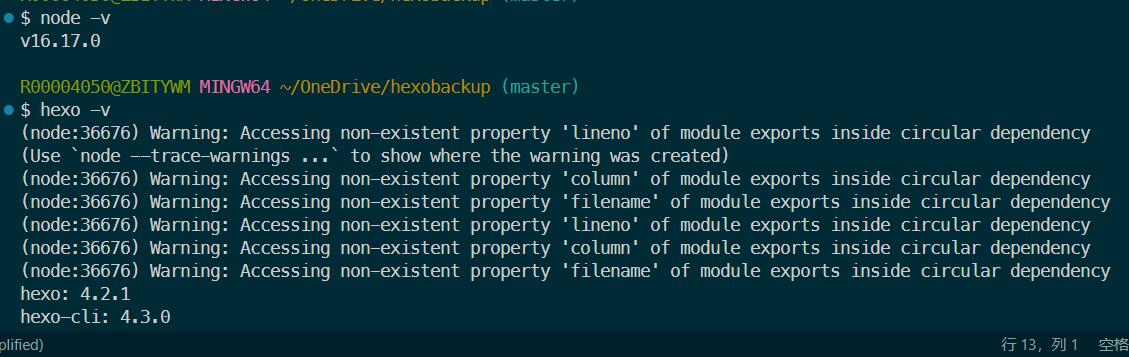
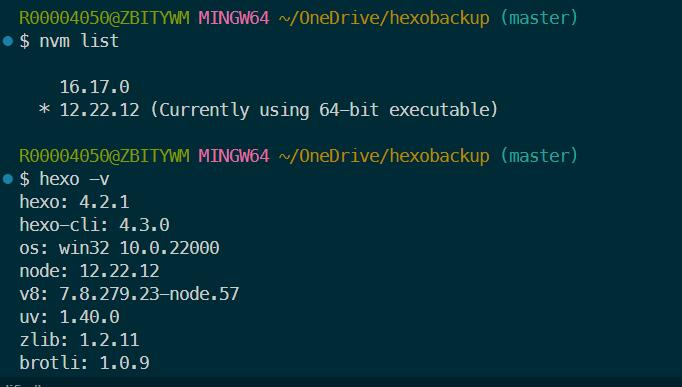
使用nvm命令安装(nvm install v12)并使用nvm use命令切换node.js版本为v12,警告消失: